Shoot your entire catalog.
Without a single photoshoot.
Turn any clothing photo into stunning on-model content. Ready for your store and socials in minutes.
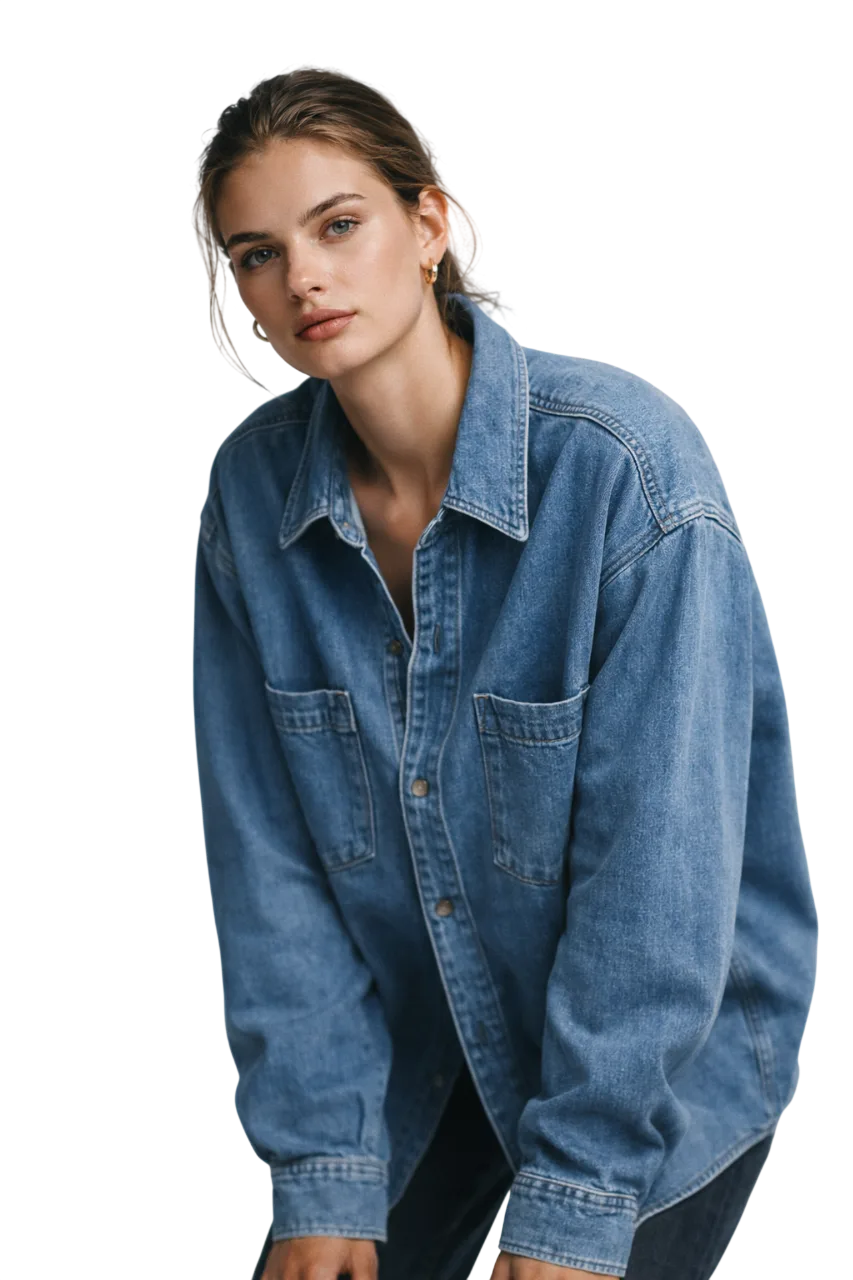
Built for
Built to reduce production friction and increase creative output from the assets you already have
Reduction in shoot cost vs. traditional
From upload to finished image
Formats: on-model, flat-lay, mannequin
Export resolution options
Workflow Modes
Start from the image you already have
How It Works
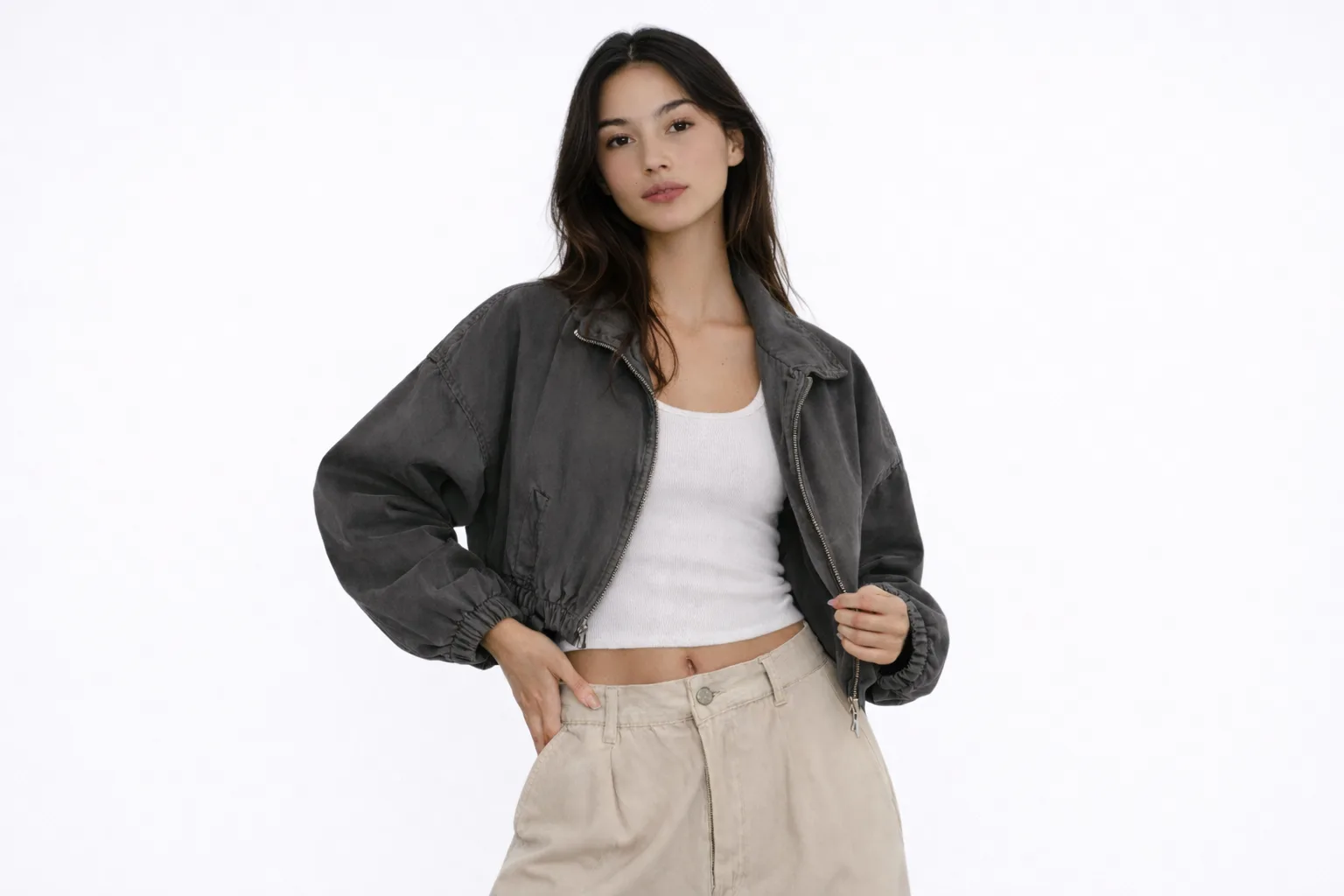
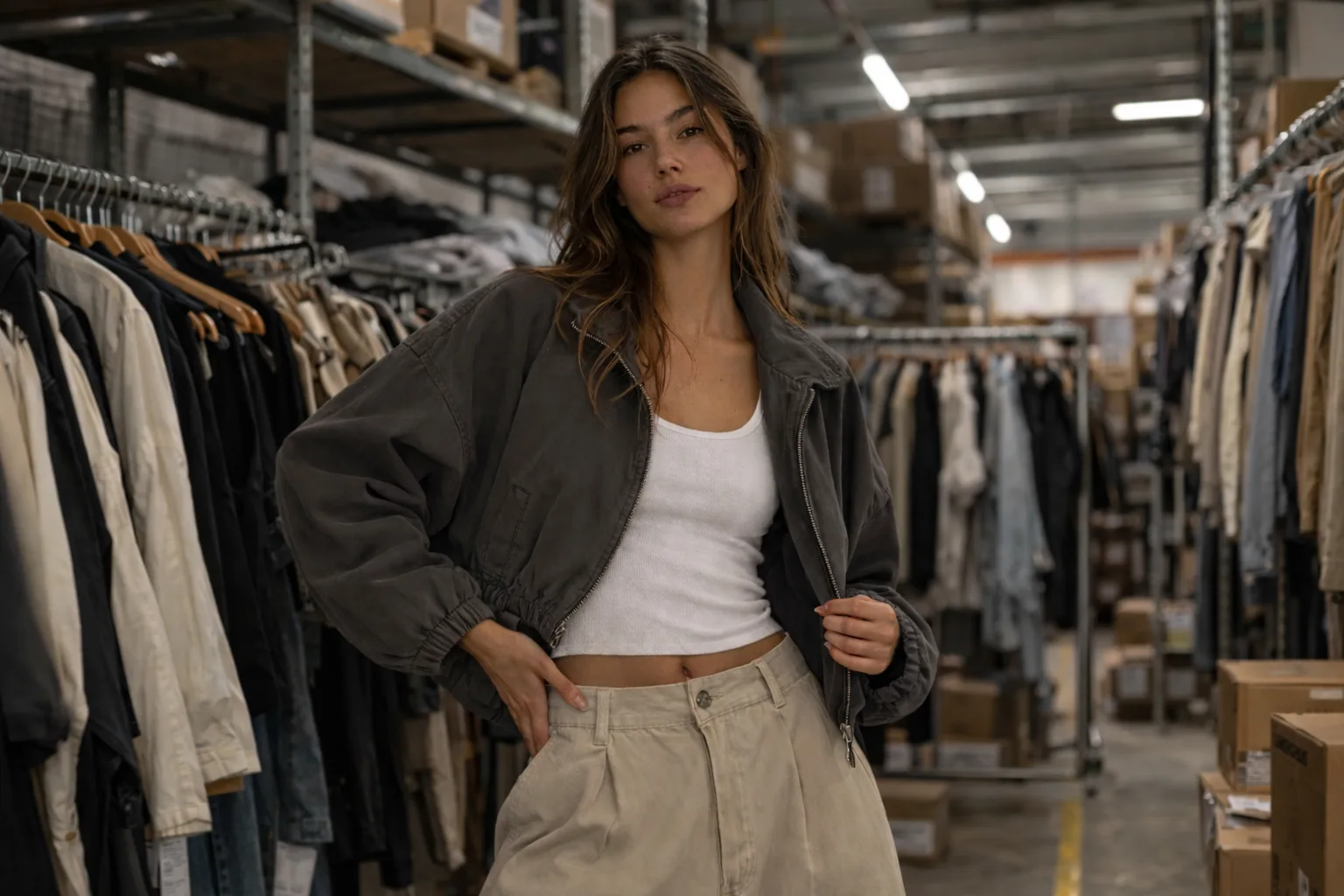
A simpler path to fashion content
Upload the source image, choose the direction, and export assets that are easier to ship.
Upload Your Products
Drag and drop your product photos - flat-lays, mannequin shots, or existing on-model images.
Choose Models & Backgrounds
Choose a model direction and background style that fits the collection, channel, and campaign mood.
Download Studio-Quality Images
Get photorealistic on-model imagery in minutes. Ready for your website, ads, and social media.
Model Library
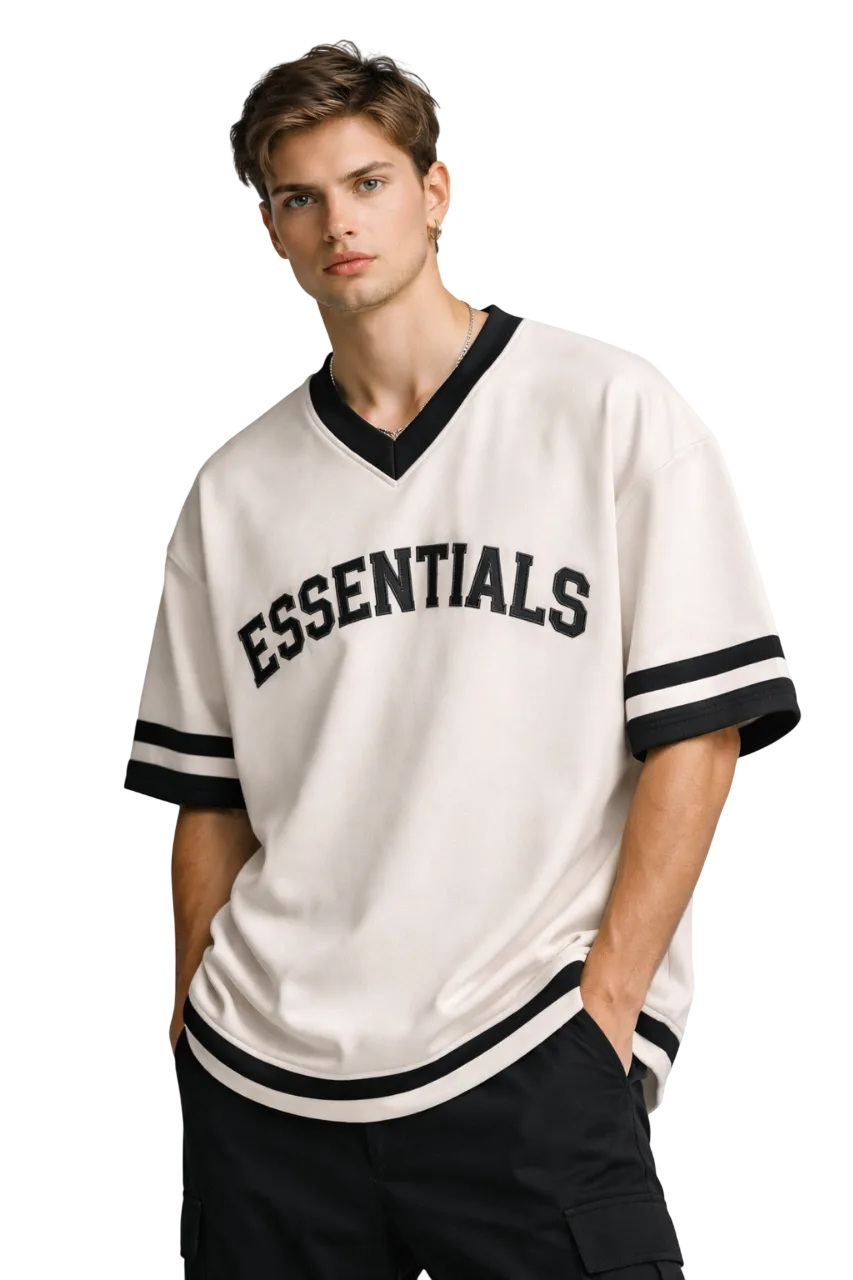
A flexible model library
Explore different faces, moods, and styling directions to match your product and brand world.
Priya
Ethnic & Western
Ananya
Contemporary
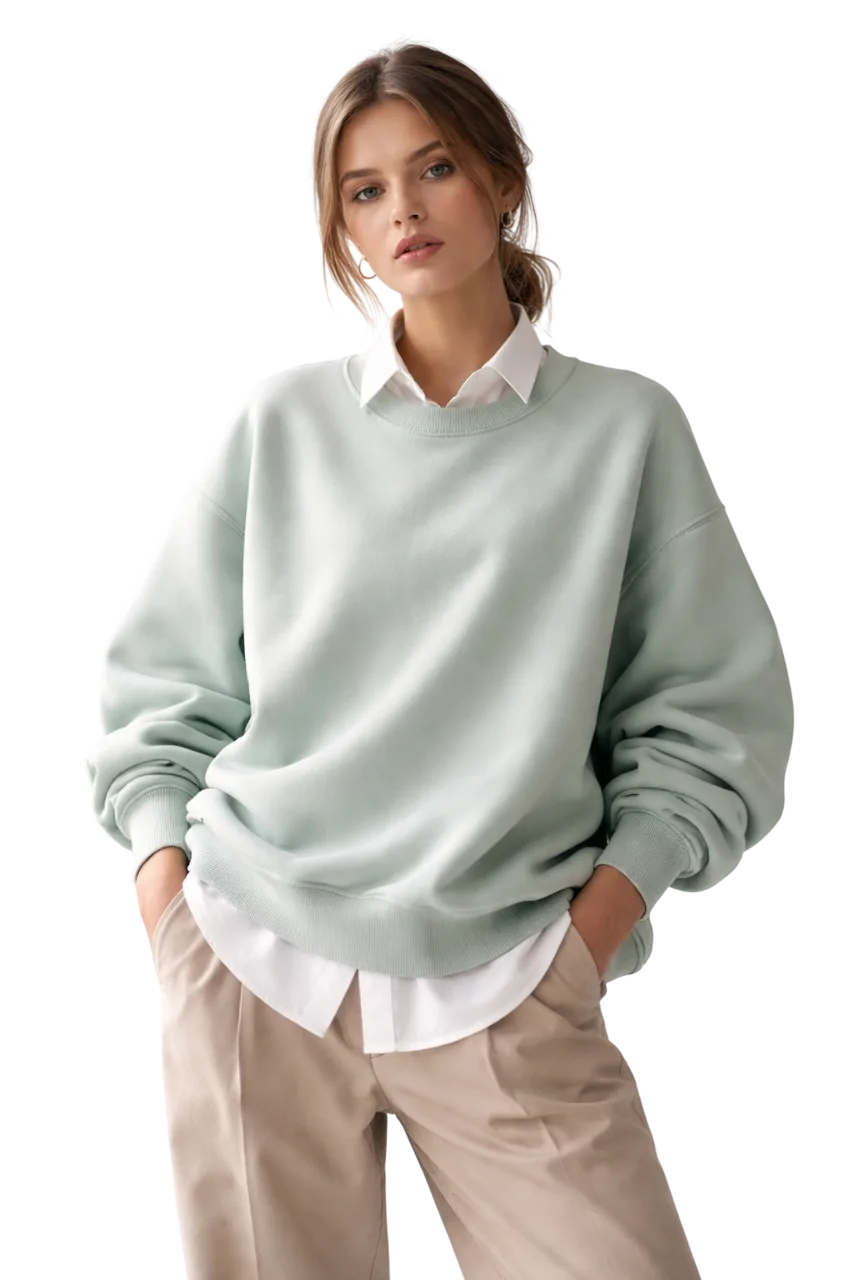
Meera
Festive & Bridal
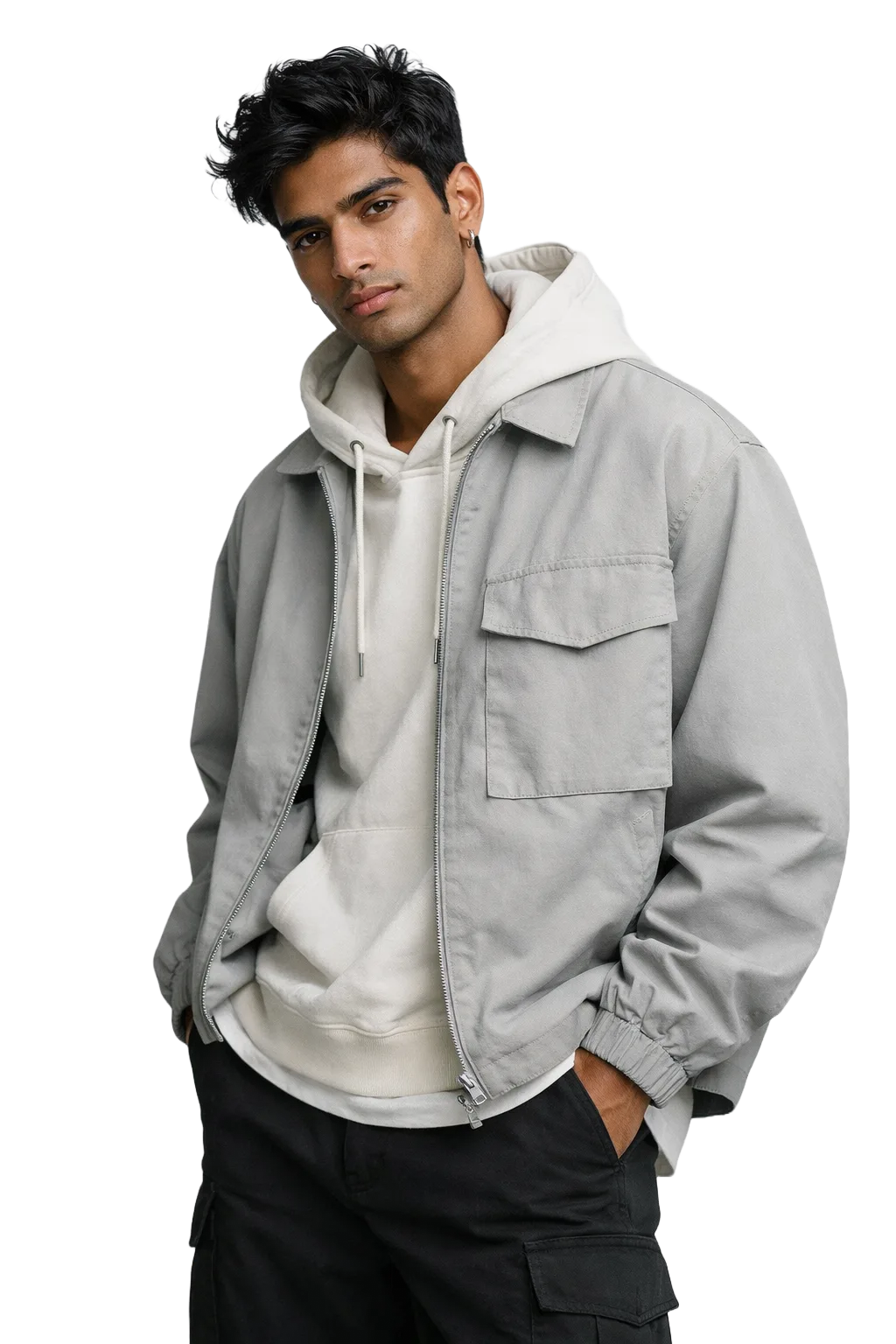
Riya
Casual & Streetwear
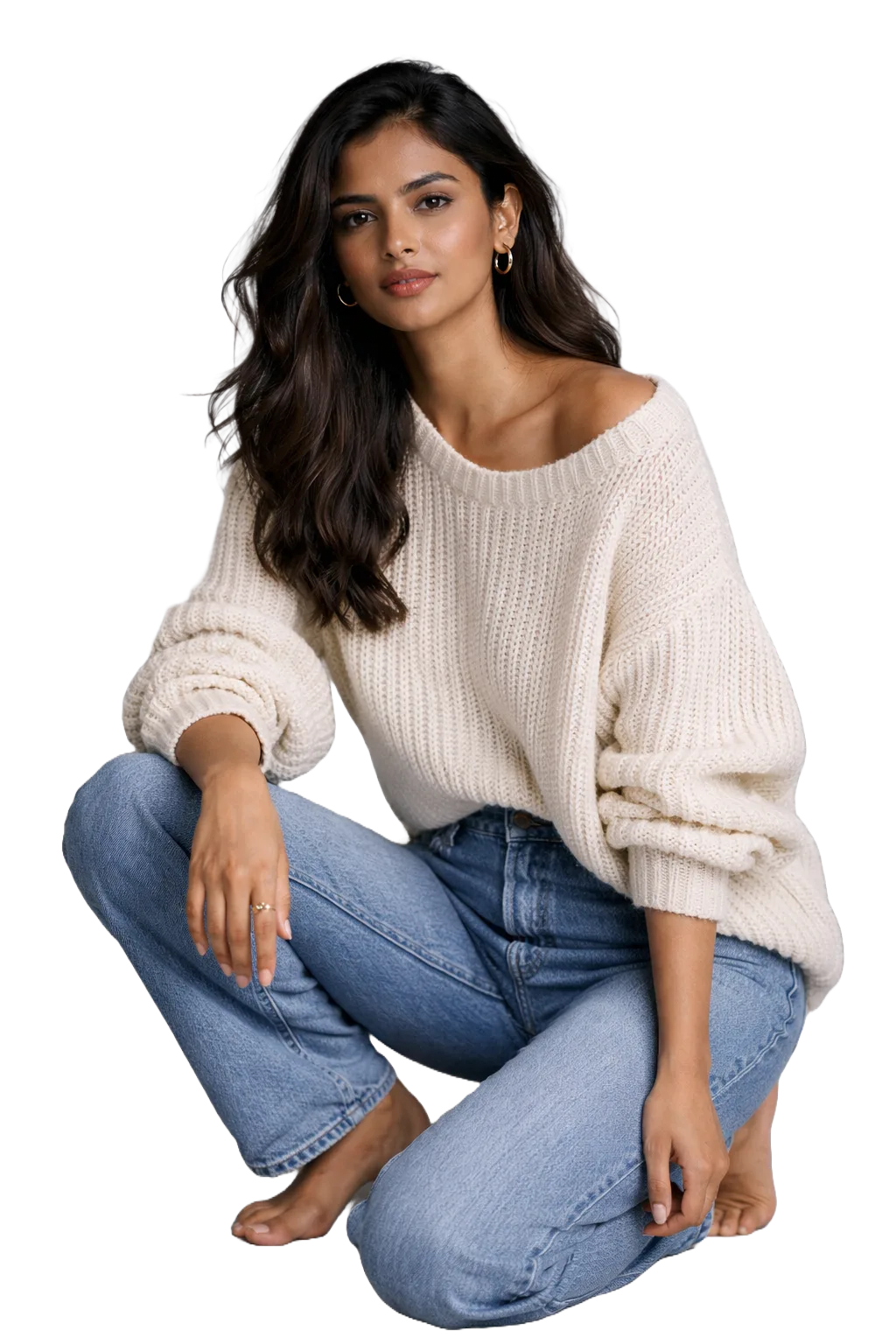
Kavya
Premium Fashion
FAQ
Frequently asked questions
The goal is clean, believable fashion imagery that works for catalog, social, and campaign testing. Results depend on the source image, garment complexity, and the look you are trying to create.
You can upload flat-lay images, mannequin shots, ghost mannequin photos, or existing on-model images. We support PNG, JPG, and WebP formats up to 10MB per file. For best results, use high-resolution images with clean backgrounds.
Generation time varies by job size and queue load, but the product is designed to get you from source photo to usable output much faster than organizing a traditional shoot.
That is the intended use case, but your final legal terms should define exactly how generated assets can be used across storefronts, marketplaces, and ads.
Yes, that is a core direction for the product. The page should position Modaic around ethnic wear, western styles, and mixed catalogs without overpromising perfect results for every garment type.
The safer promise is iteration: adjust the model choice, background, or input image and generate a stronger variation instead of positioning every first pass as final.